


Sharper detail, not just a bigger file
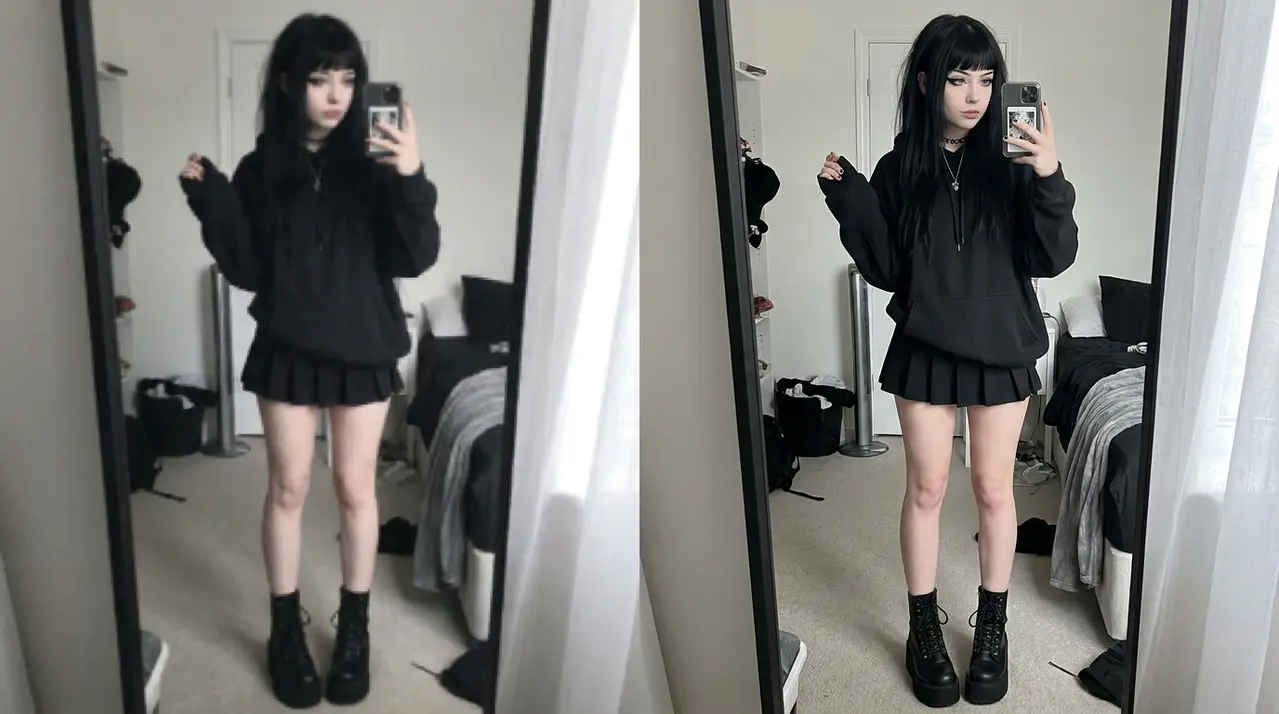
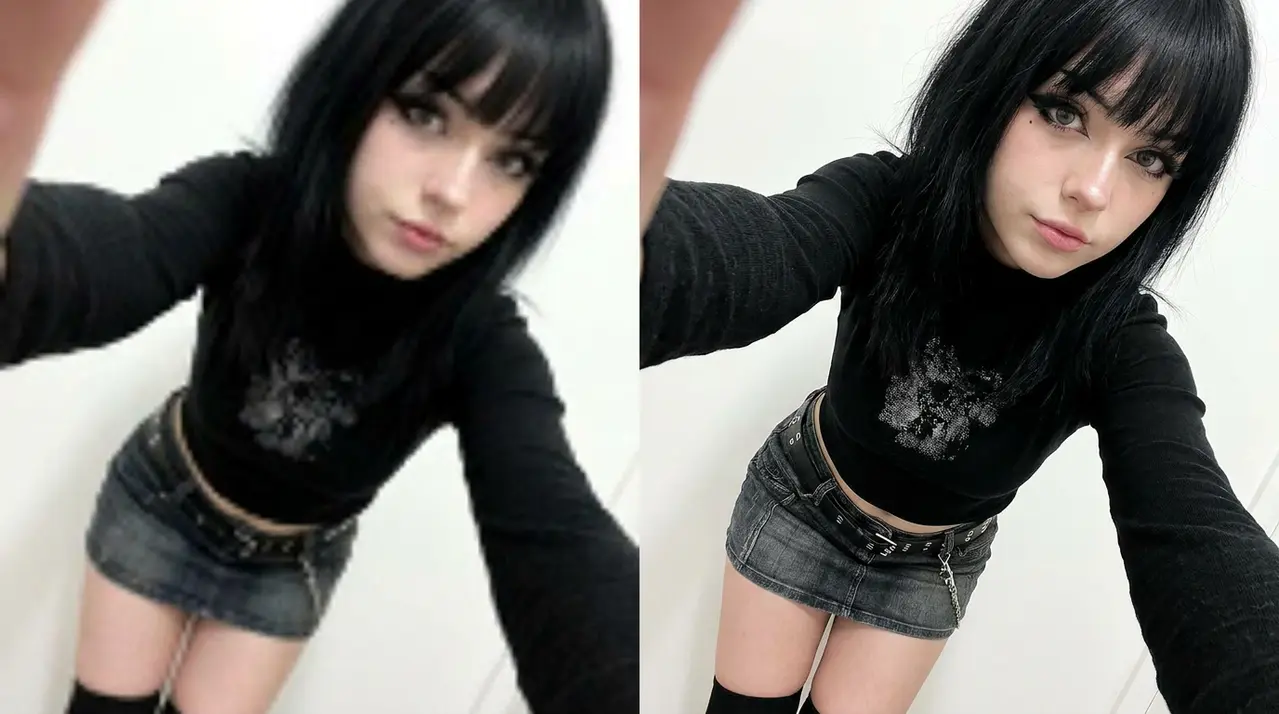
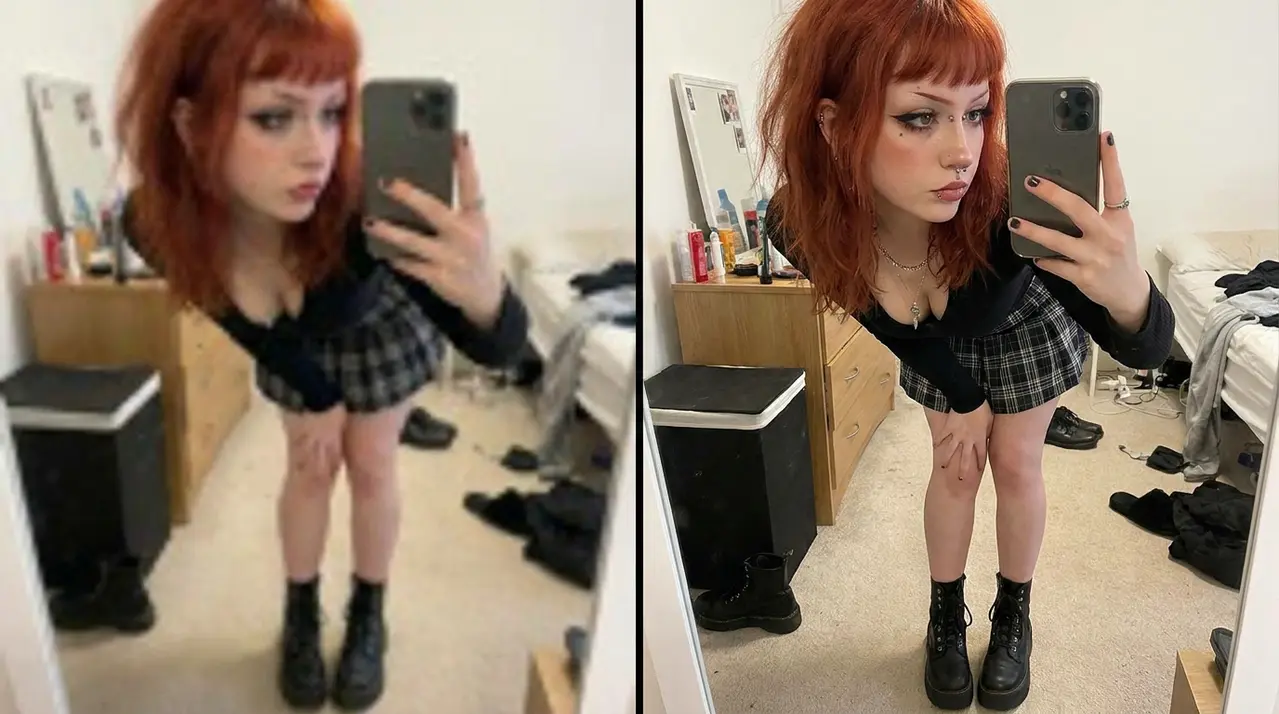
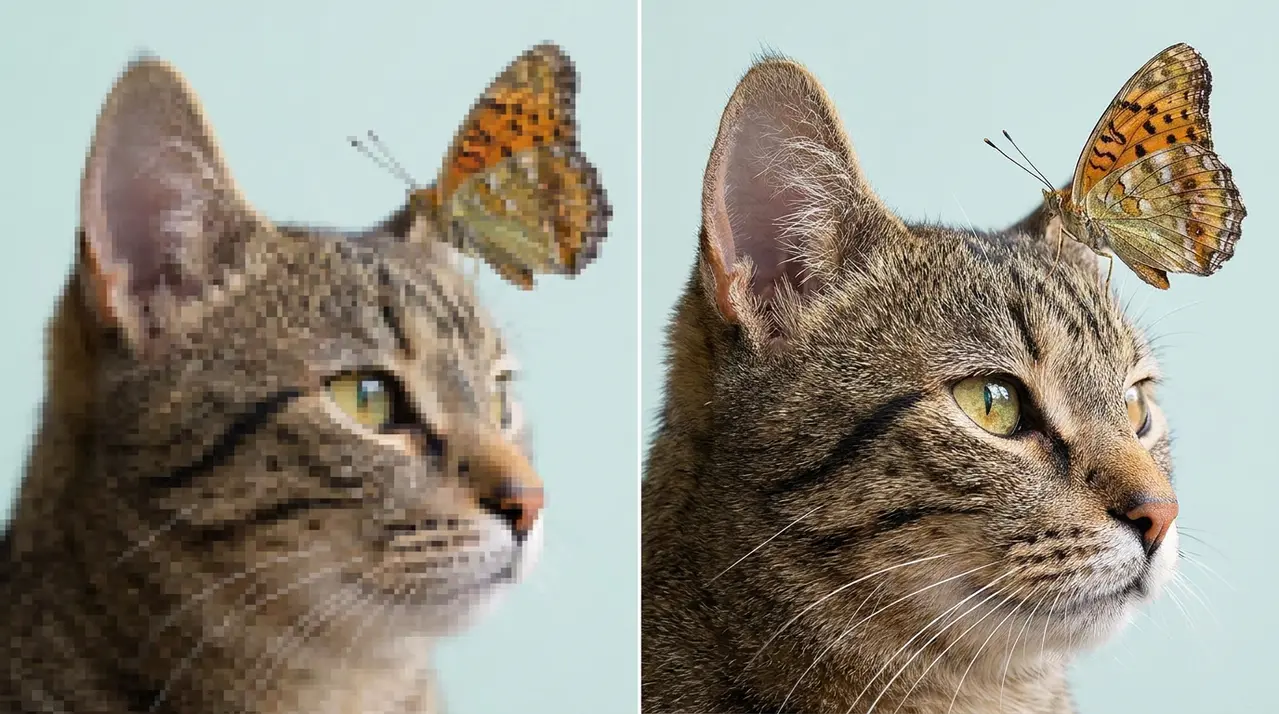
A plain resize just stretches the pixels you already have. Our AI upscaler is trained to add believable detail back in, so hair, fabric and edges stay sharp even at 4x the original size. Choose from several models, including ones tuned specifically for anime and illustrations.
How to use the AI Upscaler?
-
Upload your photo
Upload a photo from your computer. We don't store your photos, so your privacy is safe. -
Choose a model and scale
Pick 2x, 3x or 4x, then choose the model that fits your image — real photos, anime, or illustrations. -
Download the result
Once processing is done, download the upscaled photo as PNG or WebP, at the quality you choose.
About Fotoramio

Fotoramio includes a set of free web-based photo editing apps: photo editor, collage maker, art photo maker and background remover. It is important for us that the editing process is as convenient and interesting as possible, therefore our applications are made with love and attention to detail, and it is also completely free. Fotoramio is available on desktop computers and mobile browsers, so you can use our editors on any device.
Rate this tool:
3.8 / 5
4 votes